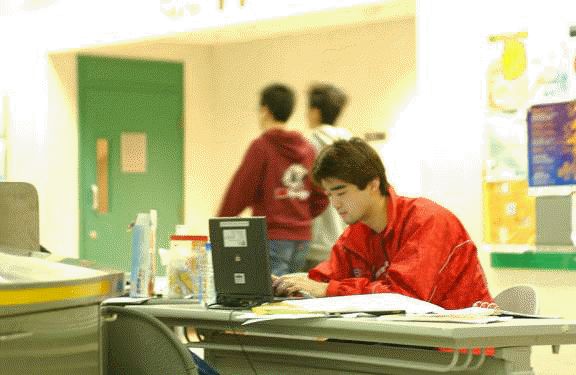
A Move for Students to Further Enjoy the Campus Wireless LAN (WLAN)
There was some good news for your students who own a notebook computer and a wireless LAN card! From mid-October 2001, just register their wireless LAN cards with the Computing Services Centre (CSC) and these students can easily connect their notebooks to the Campus Wireless LAN (WLAN) whenever and wherever they are.
Registration of the LAN cards is necessary for the sake of security. Before they can connect their notebooks to the WLAN, they need to download the WLAN user authentication software from the Web (http://www.ncm2.xyz/csc/deptweb/facilities/ctnet/wlan/wlan-disks.htm) and install it in their notebooks. Their LAN cards should also be compliant to the IEEE 802.11b standard. Since there are many brands and models of notebook computers available in the market, the CSC simply cannot provide assistance to all of them. Currently, only notebook computers from DELL and IBM (running Win98/2000) are supported. A list of notebooks compatible with the CityU WLAN, which is regularly updated, can be found at http://www.ncm2.xyz/csc/deptweb/facilities/ctnet/wlan/wlan-notebook.htm for their reference.
If you know that any of your students are interested in this, please encourage them to get an application form on wireless network connection from the CSC Service Counter to help them better enjoy the WLAN.